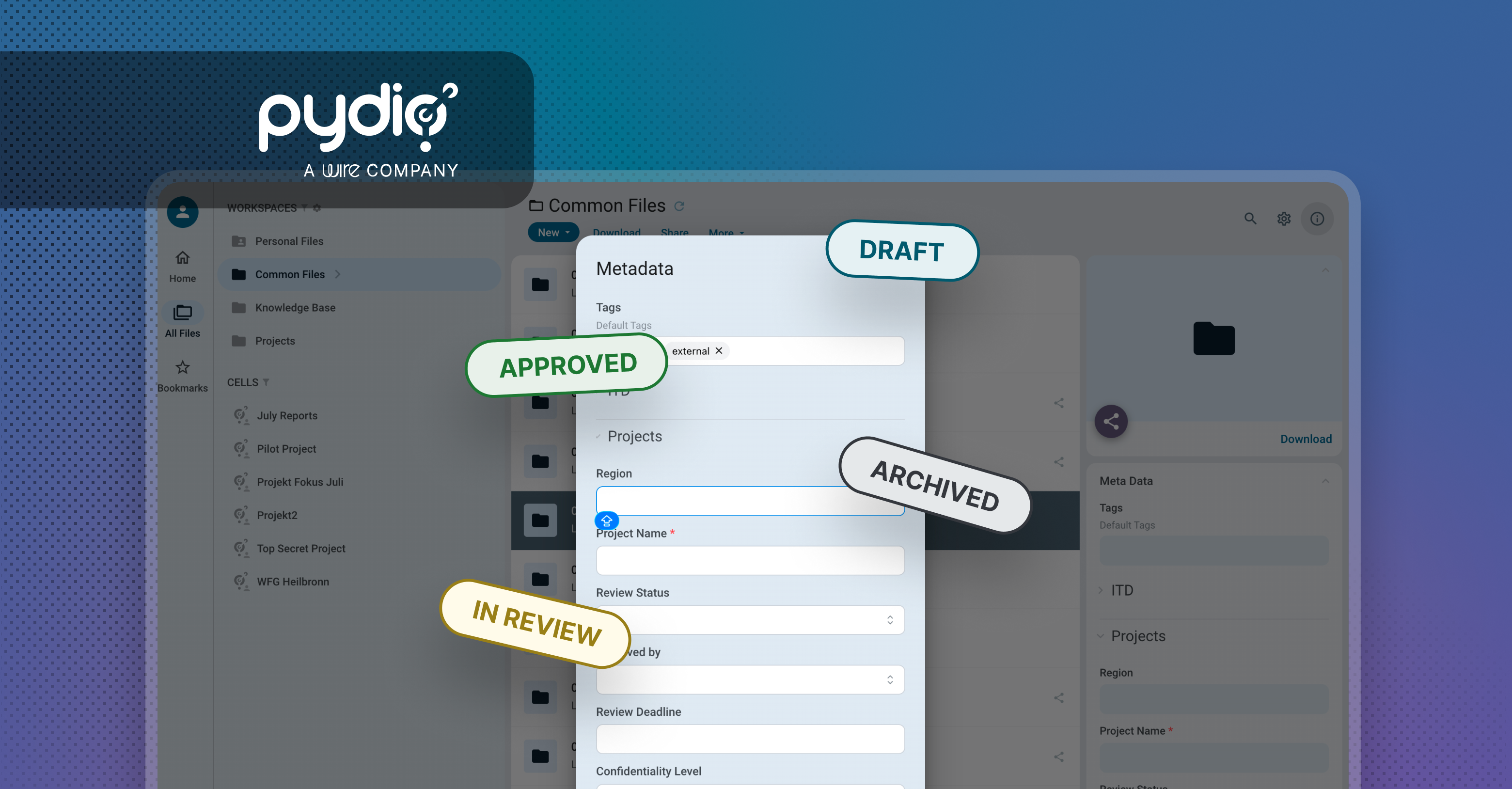
Tag Cloud metadata fields are meant to make files easier to find, but only if the values in them stay consistent. Left open-ended, they tend to fill up with near-duplicates and typos ("Marketing," "marketing," "Mkt") that quietly undermine search and filtering.
Pydio v5.1 gives administrators a way to fix that: you can now define and restrict which values are available in Tag Cloud fields, so users pick from a controlled list instead of typing free text. The result is cleaner metadata and more reliable search across your files.
Closed lists for Tag Cloud metadata
Tag Cloud metadata is useful when users need to associate one or more tags with files and other entities. Until now, however, administrators had limited control over the values that could be used.
With Pydio v5.1, administrators can configure a Tag Cloud namespace with a predefined list of allowed values. This makes it possible to provide users with a controlled vocabulary instead of allowing arbitrary tags.
When configuring a Tag Cloud namespace, an administrator can enter the available values as a comma-separated list and decide whether users are allowed to create their own values.
For example, an organization could define a Document Status metadata field with:
Draft
In Review
Approved
Archived
Users can then select one or multiple values from that list. If user-created values are disabled, the available choices remain restricted to those defined by administrators.
Flexible setup, safer updates
Administrators have full control over the initial list while creating the metadata namespace. Values can be added or removed until the configuration is created.
Once the namespace has been created, the list becomes intentionally more restrictive: existing values cannot be edited or deleted, but administrators can continue adding new values.
This protects metadata that may already be associated with existing files or entities. Instead of changing or removing a value that is already in use, administrators can safely extend the vocabulary over time.
Clear separation between administrators and users
Pydio v5.1 also introduces the appropriate authorization model for these controlled Tag Cloud values.
Administrators can create and manage the available values, while regular users have read-only access to the predefined list. This ensures that the vocabulary remains centrally managed while still making those values available wherever users need to apply metadata.
Why it matters
Controlled vocabularies are particularly useful for organizations that rely on metadata for classification, search, governance, or automated workflows.
Teams can now standardize values for categories such as document status, department, project, confidentiality level, content type, or business process without worrying about variations such as “Approved,” “approved,” and “Approval” gradually appearing in the same metadata field.
At the same time, administrators can still choose to enable user-created values when a more open tagging model makes sense.
With closed lists for Tag Cloud metadata, Pydio v5.1 makes metadata more consistent, predictable, and easier to govern — without giving up the flexibility of multi-value tagging
From tags to structured workflows
Combined with the PromptOnUpload, Required, and Closed List flags, Tag Cloud metadata can become a powerful tool for organizations that rely on metadata for classification, search, governance, and automated workflows.
Users can be prompted to classify content at upload, required to provide metadata, and restricted to administrator-defined values. This helps ensure that metadata is consistent and reliable from the moment content enters Pydio — whether it is used to classify documents, improve search, enforce governance rules, or trigger automated workflows.
Key takeaways
- Pydio v5.1 lets administrators define a closed, predefined list of allowed values for Tag Cloud metadata fields, instead of leaving them open to arbitrary tags.
- Once a namespace is created, existing values can't be edited or deleted—only added to—protecting metadata already in use on files.
- Administrators manage the vocabulary centrally; users get read-only access to the predefined list, keeping values consistent across the organization.
- Combined with PromptOnUpload and Required flags, closed lists turn Tag Cloud metadata into a foundation for classification, search, governance, and automated workflows.